How to Disable Apple TV Infrared Remote on Mac OS X
2017-10-20
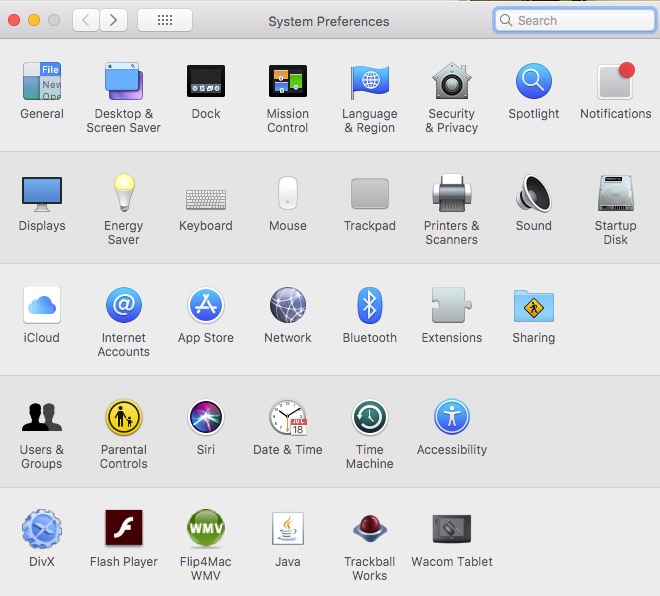





Select system preferences... from the Apple menu.
Select Security & Privacy
Security and Privacy Icon
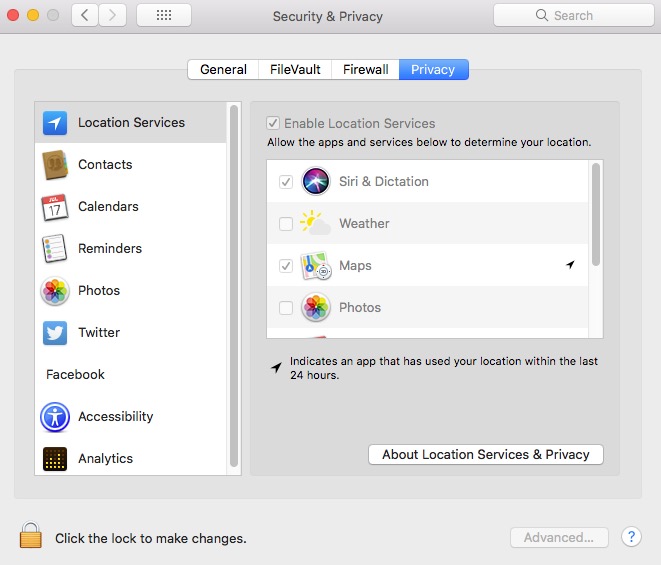
Security & Privacy Screen
Click on the Lock to Unlock
Enter Password
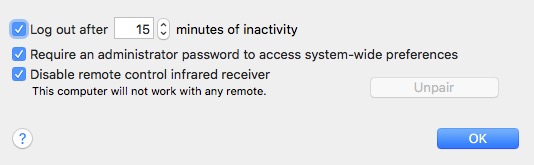
When Unlocked, click on Advanced...
Make Sure Disable remote ... is checked.
Everybody says this is how you make it work.
It did not work. The only way you can make your Apple TV Remote from controlling your Mac is ...
You need to pair your Apple TV Remote first.
I finally figured it out how to make Apple TV remote not effect my Mac.
There are many post about this but none of them works until I did one thing. Here is what I did.